
PhotoVault Desktop
Your photos, your privacy. A native macOS app to browse your Cubbit photo library, migrate existing buckets, and manage your entire digital archive — right from your computer.
Your photos, your privacy. A native macOS app to browse your Cubbit photo library, migrate existing buckets, and manage your entire digital archive — right from your computer.
Built for power users who want full control over their photo library
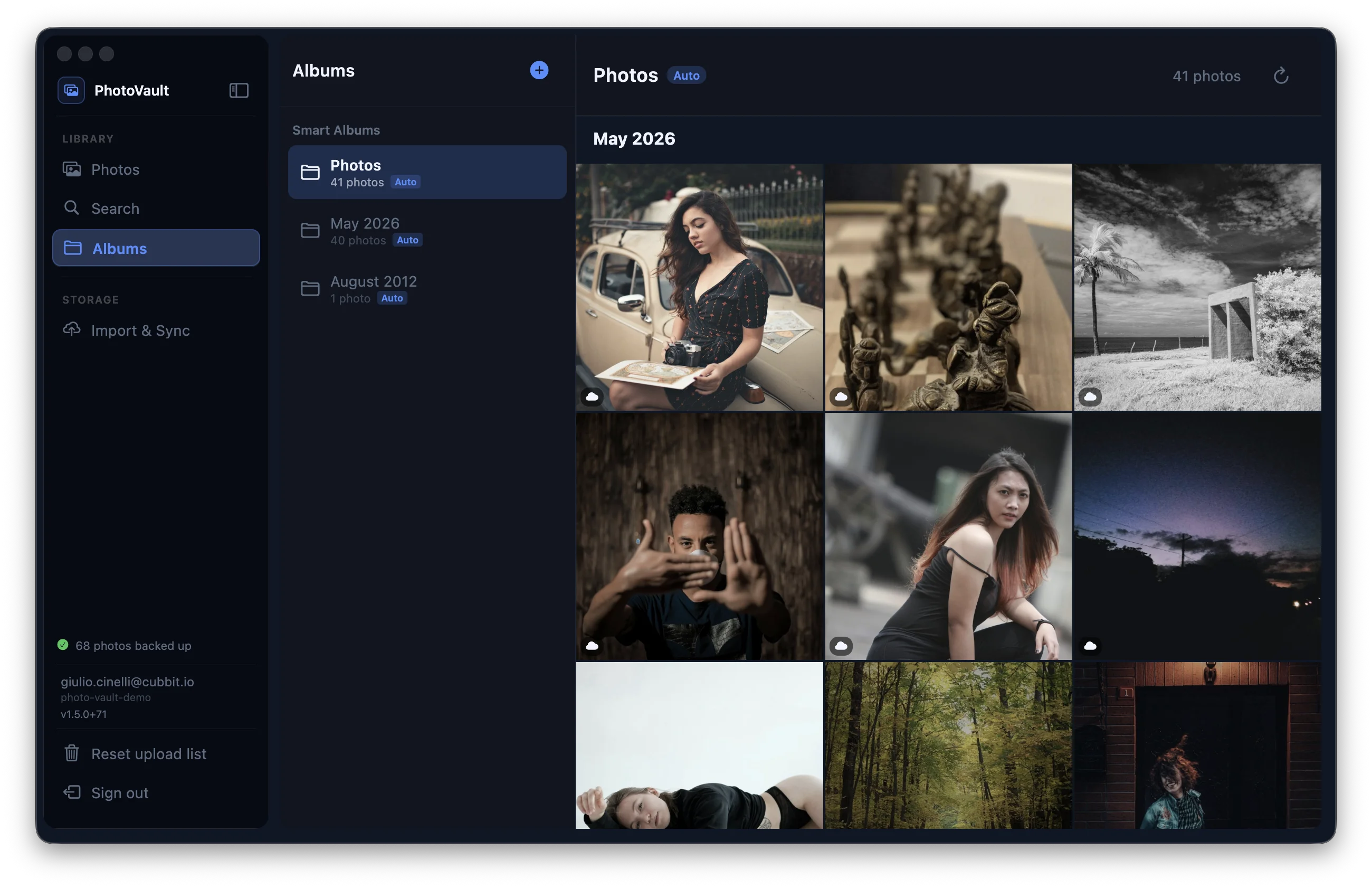
View all your photos and videos stored on Cubbit DS3 with instant thumbnail previews. Navigate your entire collection with a beautiful, intuitive interface.
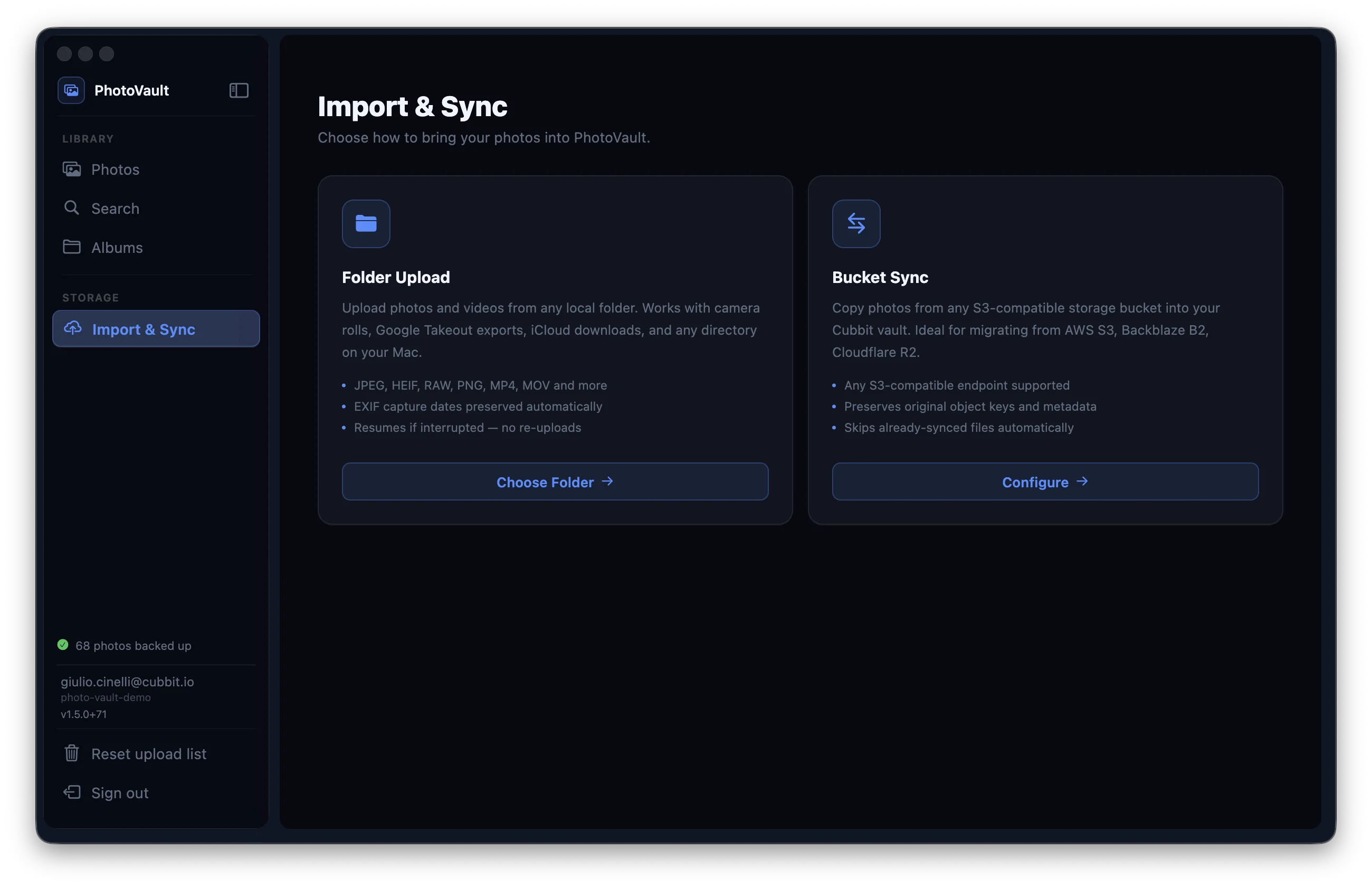
Move an existing S3 bucket into the PhotoVault format with resume support. Never lose a photo during migration — interruptions are handled gracefully.
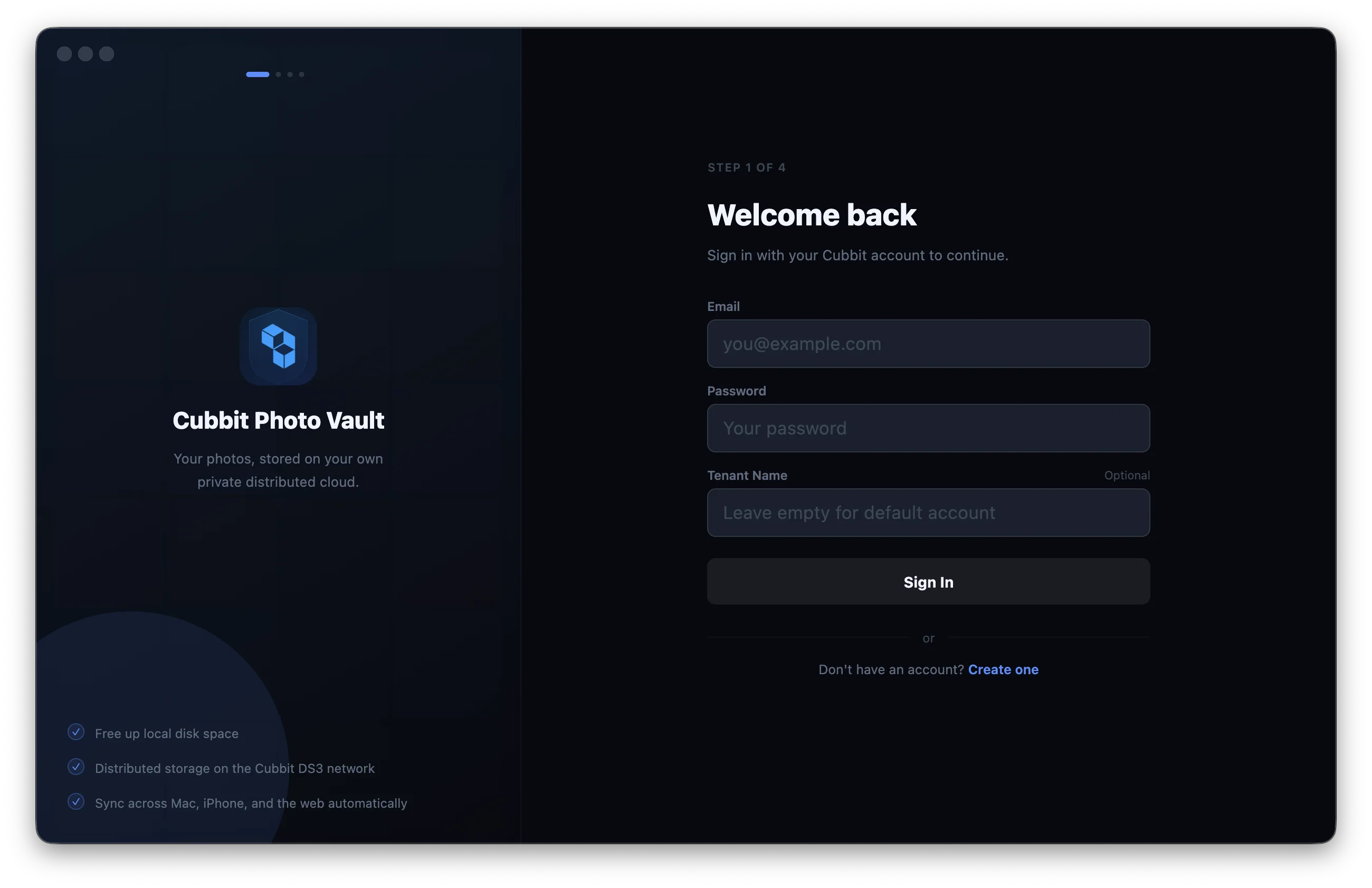
ED25519 challenge-response authentication — your password never leaves your machine. End-to-end encryption ensures only you can access your photos.
A native macOS experience built for photo enthusiasts
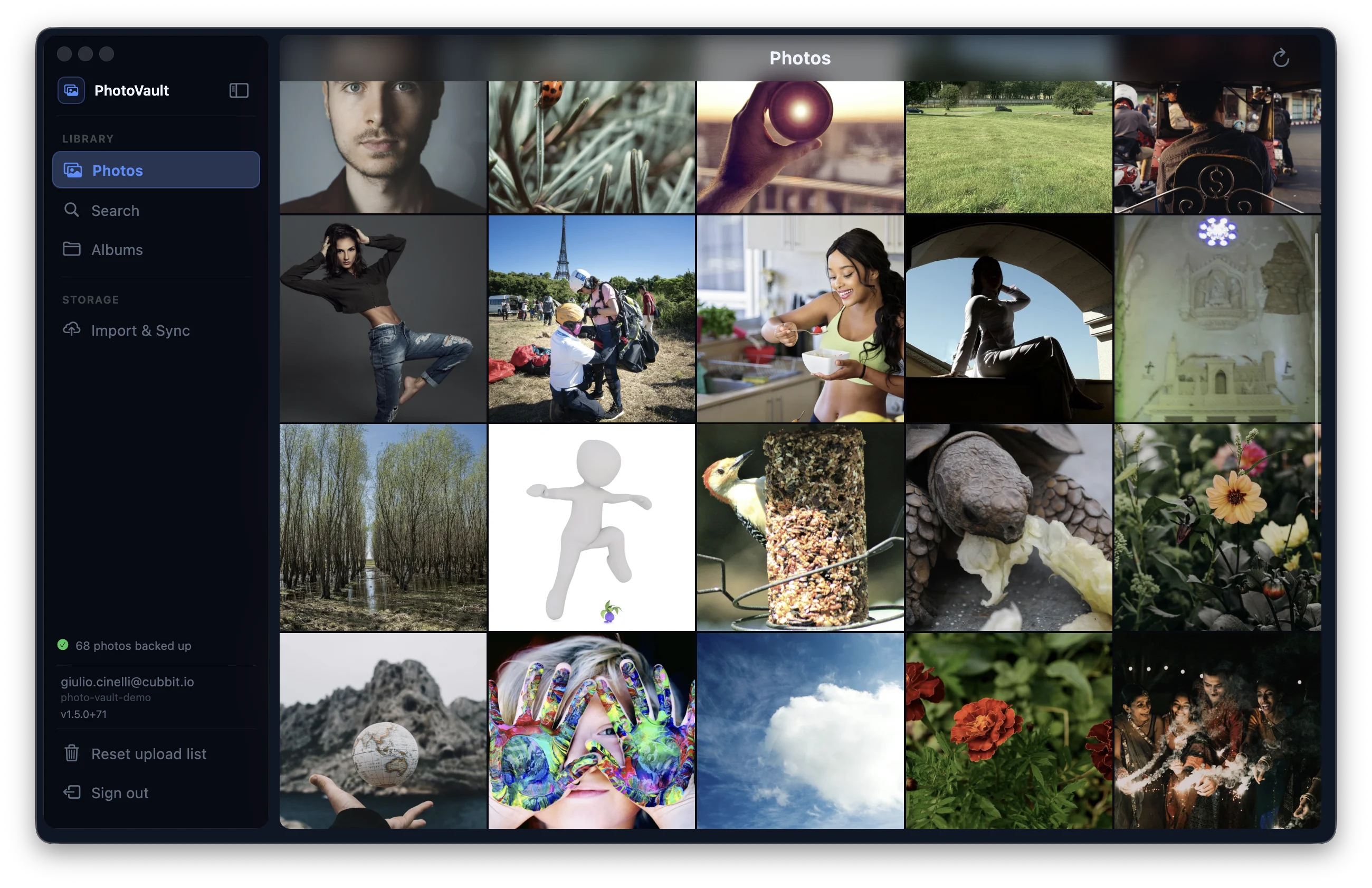
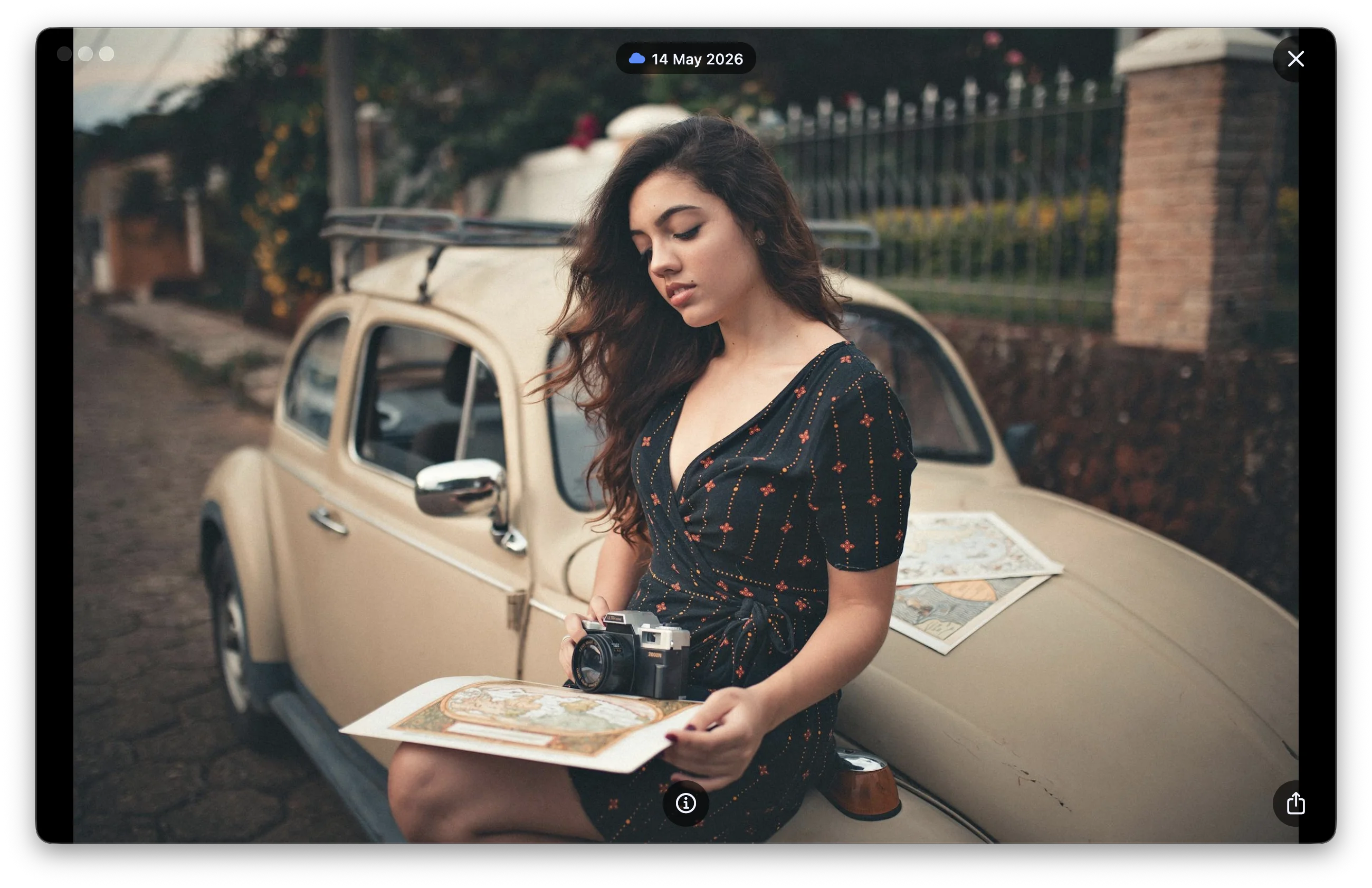
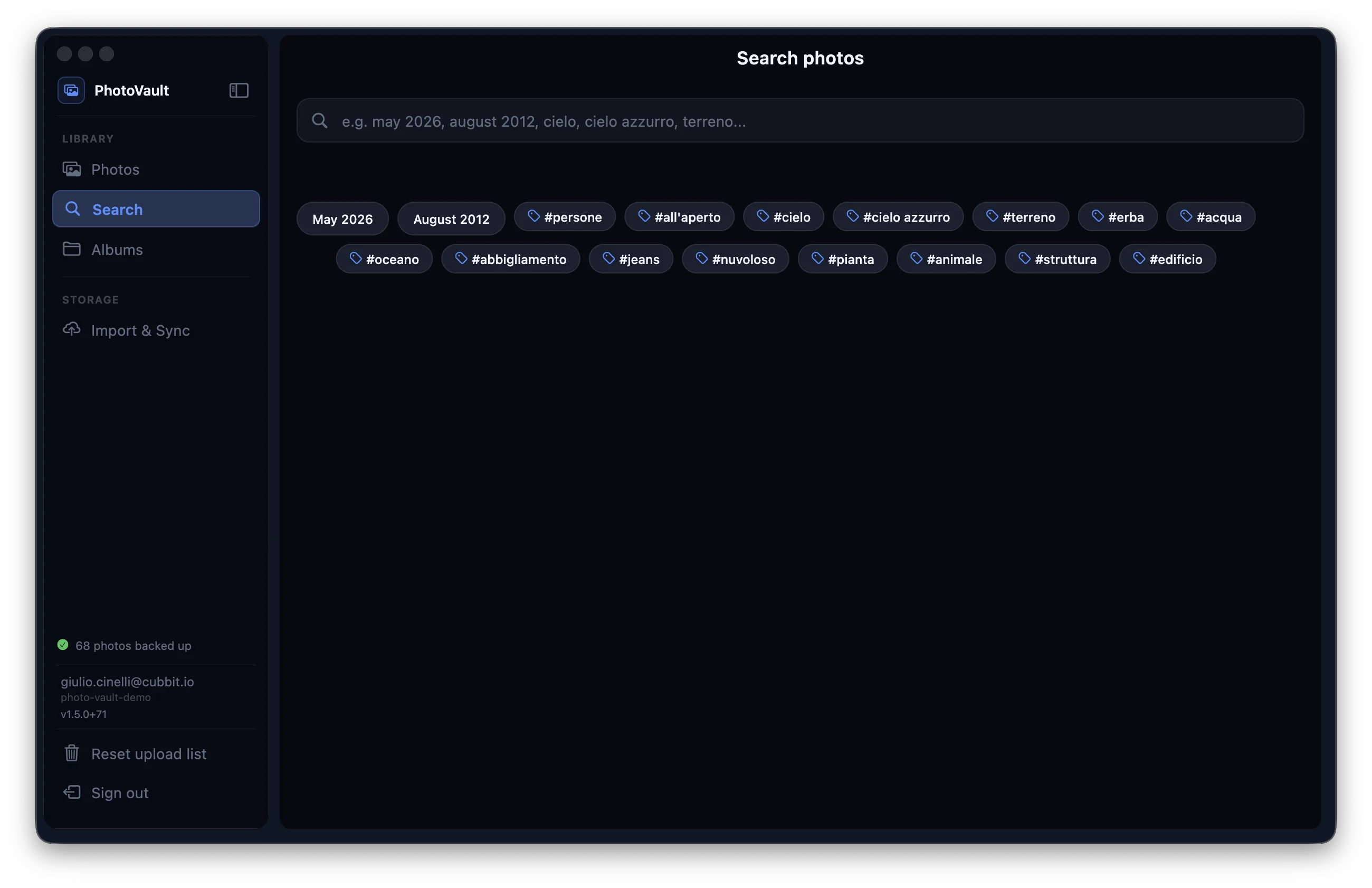
Optimized for Apple Silicon and Intel Macs. Lightning-fast thumbnail generation and smooth scrolling through thousands of photos.
Follows Apple's Human Interface Guidelines. Dark mode support, keyboard shortcuts, and native macOS features you expect.
Direct access to your Cubbit cloud storage. No sync required — browse your entire library instantly, saving disk space.
Choose your installation method
Apple Silicon & Intel — Universal Binary
Direct DMG Download (recommended)
Drag the app to your Applications folder after downloading.
TestFlight (Beta Testing)
Want to test new features before they're released? Join our TestFlight beta program:
Debian / Ubuntu and derivatives — amd64
Option 1 — APT repository (recommended — automatic updates)
sudo install -m 0755 -d /etc/apt/keyrings
curl -fsSL https://s3.cubbit.eu/photo-vault-release/linux/apt/gpg.key | sudo gpg --dearmor -o /etc/apt/keyrings/photo-vault.gpg
echo "deb [arch=amd64 signed-by=/etc/apt/keyrings/photo-vault.gpg] https://s3.cubbit.eu/photo-vault-release/linux/apt stable main" | sudo tee /etc/apt/sources.list.d/photo-vault.list
sudo apt update && sudo apt install photo-vault
Option 2 — Direct download
curl -fsSL https://s3.cubbit.eu/photo-vault-release/linux/latest-amd64.deb -o /tmp/photo-vault.deb && sudo apt install -y /tmp/photo-vault.debPhotoVault is also available for iOS and Android — it keeps your camera roll automatically backed up to Cubbit in the background.
Read the FAQ